
Bobcat Diagnostics for Faster, Accurate Repairs
A Bobcat machine can lose productive hours over a wiring issue, a failed sensor, an incomplete calibration, or a controller that has stored a fault without putting the root cause in plain view. Guessing from a dashboard warning lamp is expensive. Bobcat diagnostics gives a technician access to controller faults, live operating data, machine configuration, and guided service functions so the repair can be based on evidence rather than part swapping.
For independent shops, fleet departments, and advanced owner-operators, the objective is not simply to read codes. The objective is to identify the failed circuit or component, confirm the correction under operating conditions, and return the machine to service without unnecessary dealer dependency.
What Bobcat Diagnostics Must Provide
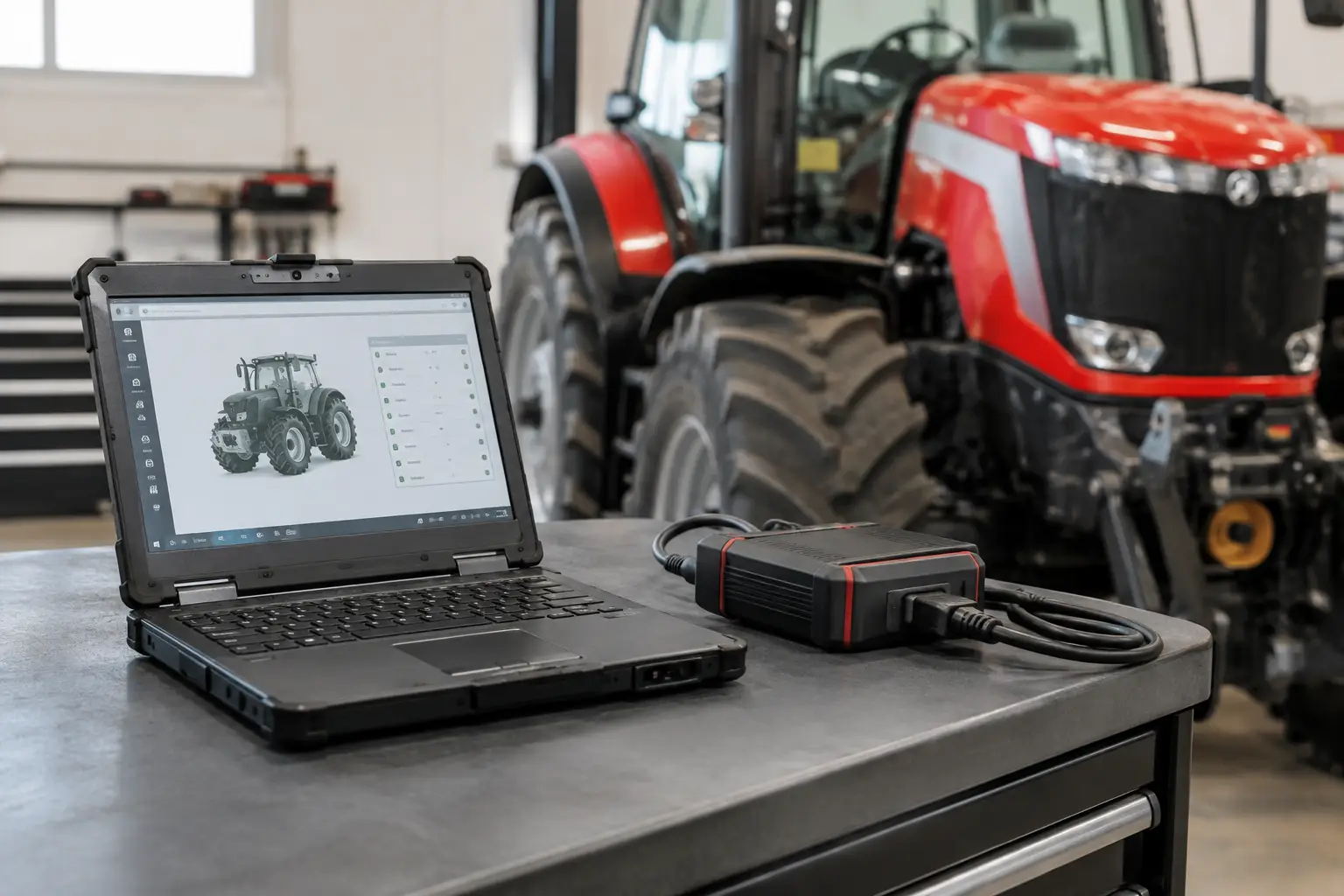
Effective diagnostic coverage begins with communication. The interface, laptop, software version, machine series, and controller network all need to be compatible. A tool that connects but only reads generic engine information may be useful for a preliminary check, but it does not replace access to the machine controllers that manage hydraulic functions, attachment operation, instrument displays, emissions systems, and interlock logic.
A proper Bobcat diagnostic workflow should provide fault-code retrieval with definitions and status, not just a number. Active faults require a different approach than stored or intermittent faults. A code marked active is present during the current key cycle or operating condition. A stored code can point to a prior event, a recurring problem, or a condition corrected before the machine reached the shop.
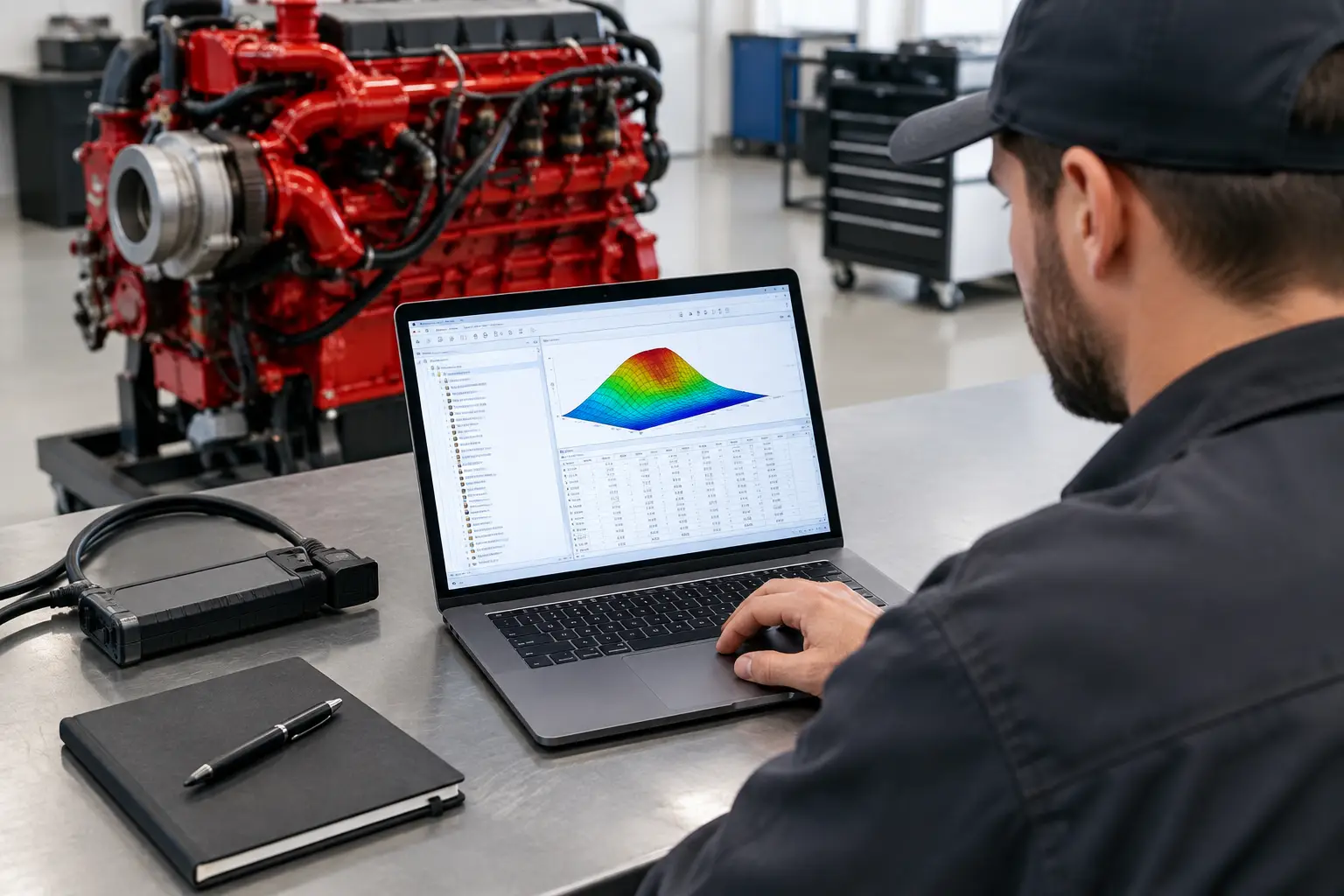
Live data is the next requirement. Technicians need to compare commanded values with actual values: engine speed, coolant temperature, rail pressure where applicable, battery voltage, hydraulic temperatures, switch states, sensor signals, regeneration status, and controller communication status. A fault code identifies the affected system. Live values determine whether the system is behaving as expected.
Service functions matter just as much. Depending on the Bobcat platform and controller, the required procedure may include calibrations, relearns, configuration checks, injector or component coding, service resets, or guided tests. Replacing a component without completing the required setup can leave a valid repair looking like a continuing failure.
Start With Machine Identification, Not a Fault Search
Before connecting diagnostic equipment, document the exact model, serial number, engine family, machine hours, and customer complaint. Bobcat product lines share names and operating concepts, but controller architecture and available functions can vary substantially by model year and serial break. Software coverage should be verified against the specific machine, not assumed from the brand name alone.
Ask what happened immediately before the fault appeared. Did the machine lose hydraulic function after a battery replacement? Did a no-start condition begin after pressure washing? Does the warning occur only under load, during cold starts, or with an attachment connected? This information narrows the test plan and prevents a technician from treating every stored code as the primary failure.
A basic physical inspection remains part of dealer-grade work. Check battery condition, grounds, fuses, harness routing, connector locks, corrosion, rodent damage, hydraulic-fluid condition, and signs of recent unauthorized repairs. Low system voltage can create a chain of communication and sensor faults that disappear once the charging or battery problem is corrected. Diagnostic software cannot compensate for poor power and ground integrity.
A Practical Bobcat Diagnostic Workflow
Connect with a stable power supply and scan every available controller before clearing anything. Record all codes, their status, environmental data if available, and machine hours. Clearing codes at the beginning may erase information needed to establish whether a fault is active, intermittent, or caused by a separate low-voltage event.
Then prioritize faults that are active, safety-related, or capable of preventing operation. A controller network fault may be the root cause of multiple warning messages. Likewise, a failed reference voltage circuit can create several sensor codes at once. Treating each code as an individual bad sensor is a common and costly mistake.
Use live data to test the reported condition. If the controller reports low fuel pressure, compare the reading with the expected value during cranking, idle, and load. If an interlock prevents travel or lift functions, inspect the relevant switch and input status on the diagnostic screen before replacing a solenoid or controller. If a temperature reading is implausible, compare it against actual machine temperature and test the sensor circuit at the connector.
After a repair, run the relevant functional test or calibration. Clear faults only after recording them, cycle the key as required, and operate the machine through the conditions that originally triggered the complaint. Confirm that the active code does not return and that live data remains credible. A machine that starts in the bay but fails under a bucket load, on a slope, or during a regeneration event has not been fully verified.
Where Generic Scan Tools Fall Short
Generic OBD tools can be useful on machines with supported engine protocols, especially for basic engine fault retrieval. Their limitation is depth. They often cannot access proprietary Bobcat body, hydraulic, display, attachment, security, or configuration functions. Even when a generic tool reads a standard powertrain code, it may not provide the manufacturer-specific test steps, live-data parameters, or bidirectional controls needed to prove the repair.
That does not make generic tooling useless. It means the tool must match the job. A shop servicing only basic engine complaints may have different requirements than a business handling skid-steer loaders, compact track loaders, excavators, telehandlers, and utility machines with electrical, hydraulic, and controller-level issues.
Factory-level or brand-specific software is generally the better fit when the work requires complete module access, service procedures, calibration support, controller setup, or advanced troubleshooting. The trade-off is that professional software requires correct installation, supported interfaces, compatible operating systems, and technicians who understand what each command changes.
Calibration, Programming, and Access-Controlled Functions
Some repairs end with a calibration rather than a wrench turn. Joystick controls, hydraulic components, throttle systems, travel controls, attachment-related functions, and replacement modules may require a setup procedure before normal operation returns. Skipping that procedure can cause poor response, warning messages, derate conditions, or an apparent repeat failure.
Programming and controller configuration demand more caution. Before writing to a module, confirm the correct machine identity, battery voltage, communication stability, software compatibility, and the exact purpose of the procedure. A voltage drop or interrupted communication during a write operation can create a no-communication condition that is far more difficult than the original repair.
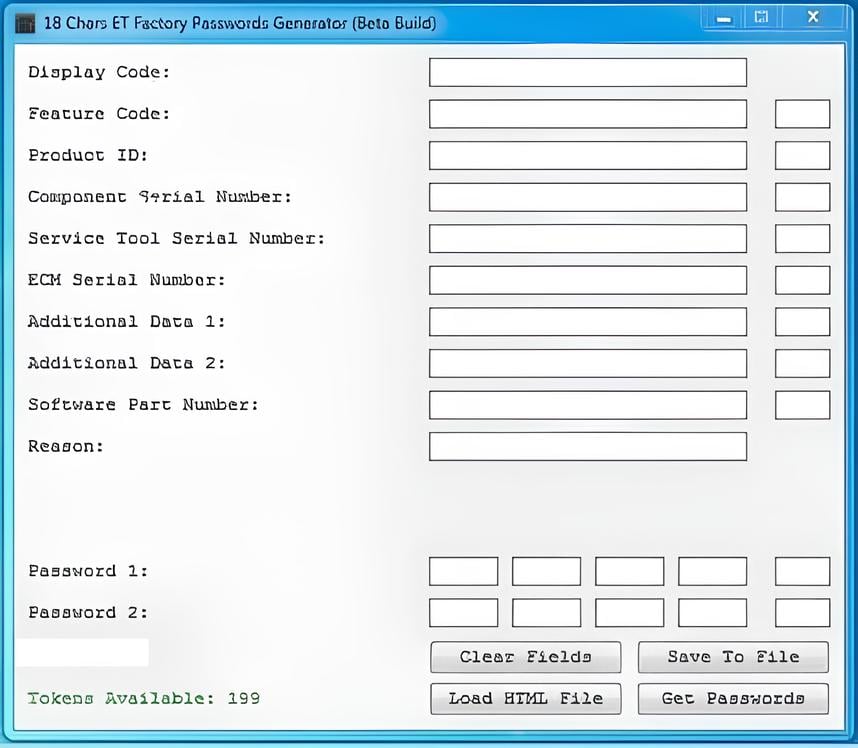
Access-controlled functions should only be used by authorized personnel and for legitimate service work. Password utilities, security access, and programming functions are valuable when they support approved repairs, replacement-controller setup, or owner-authorized maintenance. They are not substitutes for confirming mechanical condition, wiring integrity, or the correct calibration file.
Selecting Bobcat Diagnostic Software and Hardware
The lowest purchase price is not always the lowest operating cost. Evaluate a diagnostic package by the work it will actually support. Confirm the covered Bobcat model ranges, software version, operating-system requirements, interface compatibility, installation format, and whether the package includes the functions your shop uses most often.
For many professional users, the key questions are direct: Can it read all required modules? Can it display and record live data? Does it support active tests and calibrations? Does it provide the technical information needed to interpret faults? Can it work reliably on the laptop dedicated to the service bay?
Also consider workflow speed. An instant-download package with clear installation requirements can reduce lead time, but only if the shop has a compatible computer and understands the required connection hardware. SYSTEMRTX focuses on specialized diagnostic and technical resources for professionals who need that capability in-house, but the right selection still depends on the machine population and the functions being performed.
Turn Data Into a Verified Repair
Bobcat diagnostics is most valuable when it shortens the path from symptom to verified correction. Read the complete machine, establish the fault status, validate the relevant live data, test circuits and components, complete required calibrations, and prove the result under real operating conditions.
The machine does not care whether the repair sounded plausible. It cares whether voltage is stable, signals are valid, pressures are correct, controller inputs agree, and programmed settings match the equipment. Build each diagnostic job around those facts, and fewer machines will return with the same complaint.